Tellus Landlords Can Now Send Rent Straight to a Boost Account and Choose Where Every Rent Payment Lands
With Rent Destination, landlords choose who receives each property’s rent and whether it lands in a bank account or in a Boost Account. Landlords earn rewards every day when they send rent to a Boost Account.


This release is from October 29, 2026. The rates and terms it describes applied on that date and may have changed since. Current rates and terms are at tellusapp.com.
MOUNTAIN VIEW, Calif., Oct. 29, 2026 — Tellus App, Inc. (“Tellus”), the proptech company behind the Tellus savings app, today launched Rent Destination for landlords on iOS, Android and the web. For each property, a landlord can now choose who receives the rent and where it lands: a linked bank account, or a Tellus Boost Account, where the landlord starts earning rewards on the rent once it arrives.
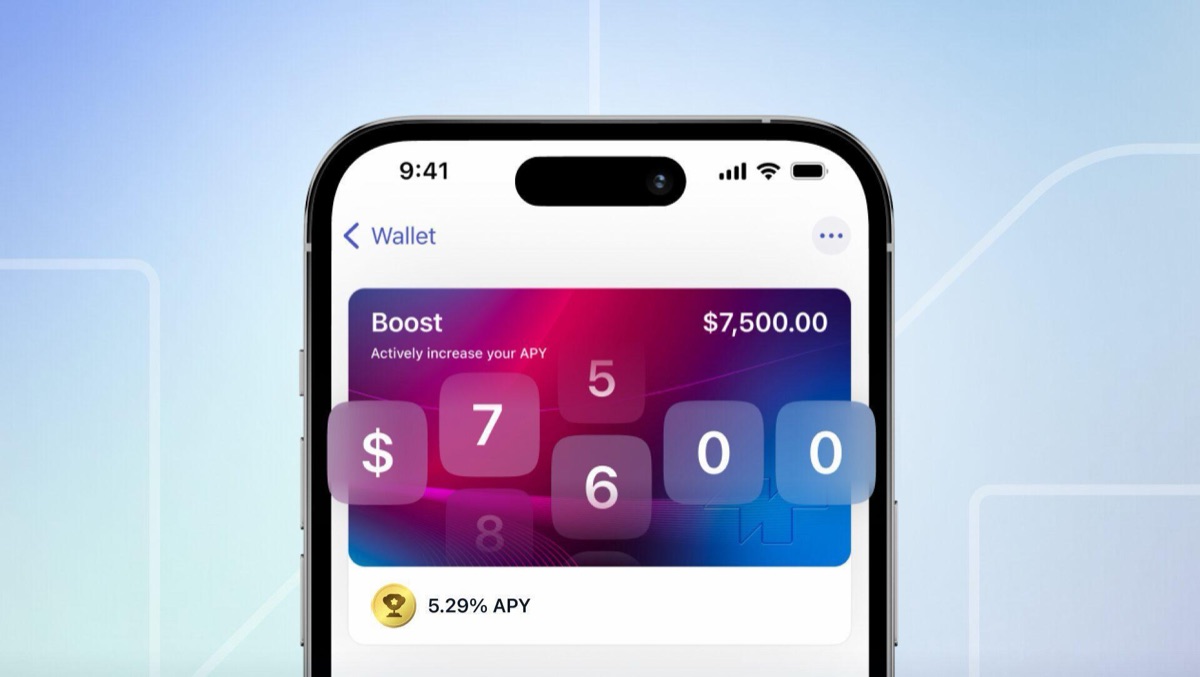
Many landlords leave rent in a checking account until the next bill is due. With Rent Destination, a landlord can send it straight to the Boost Account instead. The Boost Account is Tellus’s cash account: customers earn the base rate on their full balance, Tellus credits rewards once a day, and customers who earn a Boost can claim it and apply it for a limited-time higher rate.
The launch completes a series of 2026 updates for landlords and tenants on Tellus: a new sign-up experience for landlords and tenants in June, and core property management tools on the web in September.
What customers get:
- Rewards on rent. Earn Boost rewards every day when you choose the Boost Account as a property’s rent destination.
- A choice for every property. Send one property’s rent to the Boost Account and another’s to a bank account. Each property keeps its own setting.
- Rent for co-owners and managers. If a property has a co-owner or property manager, the landlord can choose which of them receives the rent, into that person’s own Boost Account or bank account.
- A tracker for every payment. Each rent payment on its way to a Boost Account shows its progress, from Submitted to Arrived in Boost Account, with a scheduled arrival date.
- One wallet for every role. Each landlord, tenant and saver now has one wallet, with a single Transfer money menu that shows the actions that fit each person, such as Pay Rent for tenants and Send and Request for landlords and tenants.
- More ways to earn. Landlords and tenants who do not yet save with Tellus can turn on more ways to earn from their wallet, including the Reserve Account and Vaults.
How it works:
- Open a property in the Tellus app or on the web and go to Property Settings, then Payouts, then Rent destination.
- Choose who receives the rent, if the property has a co-owner or manager.
- Choose where it lands: the Boost Account or a linked bank account. You can also link a new bank account here.
- Review and save. Future rent payments for that property go to the account you chose. You can change it at any time.
- Setting up a new lease? Tellus offers the choice right after the lease is set up in the app.
The Tellus app is available on the App Store and Google Play. The Tellus web app is at web.tellusapp.com.
About Tellus
Tellus App, Inc. is a proptech company headquartered in Silicon Valley. The Tellus savings app helps people save with cash accounts powered by real estate, and gives independent landlords property management software. Get more details in our How it Works page.
Tellus is not a bank. Tellus is not FDIC-insured. The Tellus Deposit Account is established by Central Bank of Kansas City, Member FDIC. Tellus Deposit Account funds are FDIC-insured through Central Bank of Kansas City. FDIC insurance limitations apply. Visit FDIC and refer to the Tellus Deposit Account Agreement for more details.
Rewards on Tellus’s non-deposit accounts vary and are determined by each customer’s actions and choices in the app.
See www.TellusApp.com for full terms and conditions.
Media contact: press@tellusapp.com